
9th Class Result Check by Roll Number
Students can check their 9th class (SSC Part-I) result 2026 online using the roll number printed on their admit card or roll number slip. You need to open your board’s official result portal, select the 9th class result option, and enter your roll number to view your subject-wise marks and result status. This guide walks through the exact steps, covers what to do if your roll number doesn’t show a result, and links to every board’s dedicated result page.
If you want the latest result dates, board-wise status updates, and all available checking methods including SMS and gazette, see our 9th Class Result check. This page focuses specifically on checking your result using your roll number.
Punjab Board Examinations Authority
Check 9th Class Result 2026 by Roll Number
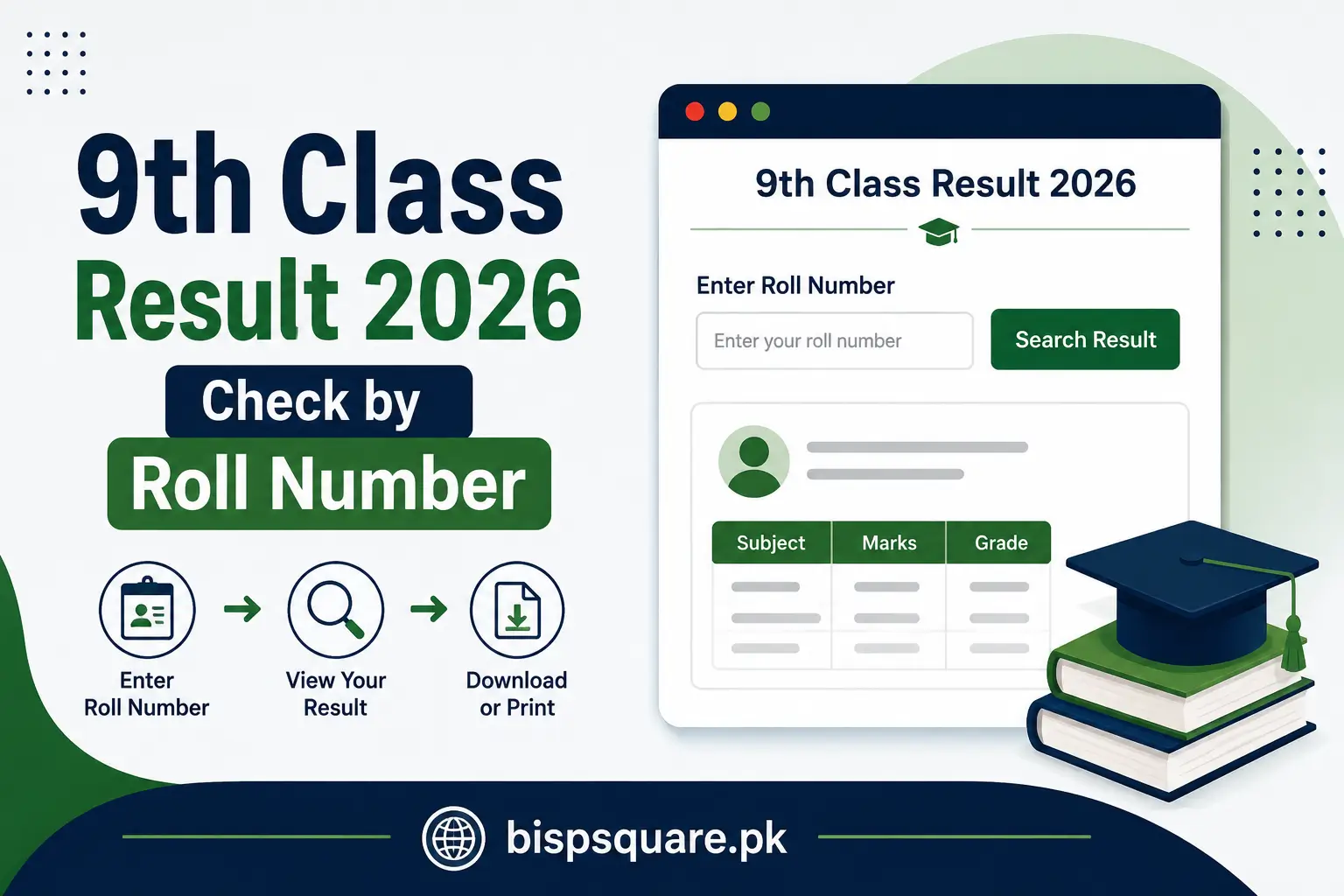
Checking by roll number is usually the most direct online method because the roll number uniquely identifies your result record on the board's system. You need your board's official result portal and the roll number exactly as printed on your slip or admit card.
Steps to Check 9th Class Result by Roll Number
- Open your board's official website or result portal.
- Go to the "Results" section.
- Select "9th Class" or "SSC Part-I Annual Result 2026."
- Enter your roll number exactly as printed on your slip, without extra spaces or characters.
- Select the relevant exam or result session if the portal asks for it.
- Click "Search," "Submit," or "Check Result."
- Your subject-wise marks, total marks and result status will display on screen.
- Download, print, or screenshot your result for your records.
The steps are broadly similar across boards, though the exact wording and layout of each portal differs slightly. Your board's dedicated result page has instructions matched to its specific website.
What You Need to Check Your 9th Class Result Online
The exact result portal differs by board, so make sure you are on your own board's official website rather than a general search result, since many pages look similar but belong to different boards or unofficial sites.
- Your roll number, exactly as printed on your slip or admit card
- The name of your board (the one your school is registered under)
- A working internet connection and a phone, tablet or computer
- The correct result year and session (9th Class / SSC Part-I, 2026)
Select Your Board to Check 9th Class Result by Roll Number
Your 9th class result is issued by the education board responsible for your school. If you're unsure which board to choose, check your roll number slip or ask your school. Select your board below to open the dedicated result guide with the relevant official portal and checking instructions.
Punjab Boards
- BISE Lahore 9th Class Result
- BISE Gujranwala 9th Class Result 2026
- BISE Faisalabad 9th Class Result
- BISE Rawalpindi 9th Class Result 2026
- BISE Multan 9th Class Result 2026
- BISE Sargodha 9th Class Result 2026
- BISE Sahiwal 9th Class Result 2026
- BISE Bahawalpur 9th Class Result 2026
- BISE DG Khan 9th Class Result 2026
Sindh Boards
- BSE Karachi 9th Class Result 2026
- BISE Hyderabad 9th Class Result 2026
- BISE Sukkur 9th Class Result 2026
- BISE Larkana 9th Class Result 2026
- BISE Mirpurkhas 9th Class Result 2026
- BISE Shaheed Benazirabad 9th Class Result 2026
KPK Boards
- BISE Peshawar 9th Class Result 2026]
- BISE Abbottabad 9th Class Result 2026]
- BISE Bannu 9th Class Result 2026]
- BISE DI Khan 9th Class Result 2026]
- BISE Kohat 9th Class Result 2026]
- BISE Malakand 9th Class Result 2026]
- BISE Mardan 9th Class Result 2026]
- BISE Swat 9th Class Result 2026]
Federal Board
FBISE 9th Class Result 2026 — FBISE has already announced its SSC Part-I result on July 29, 2026, and students can check it now.
Balochistan Board
Balochistan Board 9th Class Result 2026
AJK Board
AJK Board 9th Class Result 2026
What Appears on the 9th Class Result?
Your result may include the following, though the exact fields can differ between boards:
- Student name
- Roll number
- Father's name, where applicable
- Subject-wise marks
- Total marks and percentage, where provided
- Grade
- Result status, such as pass, fail or re-appear, where applicable
- Remarks, where applicable
What If Your 9th Class Result Is Not Showing?
Result Website Is Not Opening
Result websites can become slow or temporarily unavailable on result day because of heavy traffic. Wait a few minutes, refresh, try again later, or use another official checking method if your board provides one.
Roll Number Shows No Result
A few things can cause this:
- The result hasn't been uploaded to the portal yet
- You selected the wrong board
- The roll number was entered incorrectly
- The result portal is under heavy load and timing out
Double-check your roll number against your slip, confirm you're on the correct board's website, and try again after a short wait.
I Lost My Roll Number Slip
If you don't have your roll number slip, contact your school first, since they usually keep a record of student roll numbers. You can also contact your board's office directly. Where a board offers name-based search or a result gazette, those are useful alternatives; availability depends on the board.
Can I Check 9th Class Result Without Roll Number?
Some boards allow name-based search, usually alongside your father's name or school code to narrow down the match. This isn't available on every board's portal, so if yours doesn't support it, use the roll number or gazette instead.
Check 9th Class Result Through Gazette
A result gazette is an official board-issued document containing students' result information, usually organized by roll number, school or other board-specific details. Download it from your board's website, then use Ctrl+F (or your phone's search option) to search your roll number, school or name if the gazette contains searchable names.
How to Verify Your 9th Class Result
Once your result appears, it's worth double-checking a few things before treating it as final:
- Confirm your name and roll number match your admit card
- Review your subject-wise marks for anything that looks incorrect
- Check that your total marks and grade are consistent with the subject-wise breakdown
- Compare the online result with your official result card once your school issues it
- Save or download a copy for your records
What to Do After Checking Your 9th Class Result?
Download or Save Your Result
Save a screenshot or PDF of your result as soon as it appears, since board websites can slow down or go offline temporarily on result day.
Apply for Rechecking/Scrutiny
If you believe there is an issue with your marks, check your board's official website for its rechecking or scrutiny procedure, deadline and applicable fee.
Check Supplementary or Second Annual Exam Information
If you need to retake a subject, watch your board's website for the supplementary or second annual exam schedule and registration dates.
Frequently Asked Questions
How can I check my 9th class result by roll number?
Visit your board's official result portal, select the 9th class or SSC Part-I result option, enter your roll number exactly as printed on your slip, and submit.
How can I check my 9th class result without a roll number?
Try name-based search where your board supports it, or check the official result gazette PDF and search by name.
What should I do if my roll number is not showing any result?
Confirm you've selected the correct board and entered the roll number correctly, then try again after a short wait, since the result may not be uploaded yet or the portal may be under heavy load.
What is SSC Part-I?
SSC Part-I refers to the 9th class annual examination under Pakistan's Secondary School Certificate system, the first of the two years that make up matriculation.
Can I download my 9th class result online?
Once the result is announced, boards generally provide an online result page where students can view their marks. Depending on the portal, you may be able to download, save or print the result.