
MEPCO Online Bill Check 2026 – Check Bill by Reference Number
Checking your MEPCO online bill is easy with your 14-digit reference number. Enter your reference number in the bill checker above, click Search Bill, and follow the View Bill option to open the official MEPCO/PITC bill page in a new tab. You can use the online bill service to check your latest electricity bill without waiting for the printed copy. Your MEPCO bill contains important information such as the billing month, due date, payable amount, meter reading, previous balance, current charges, taxes, and other applicable adjustments.
MEPCO Bill Checker
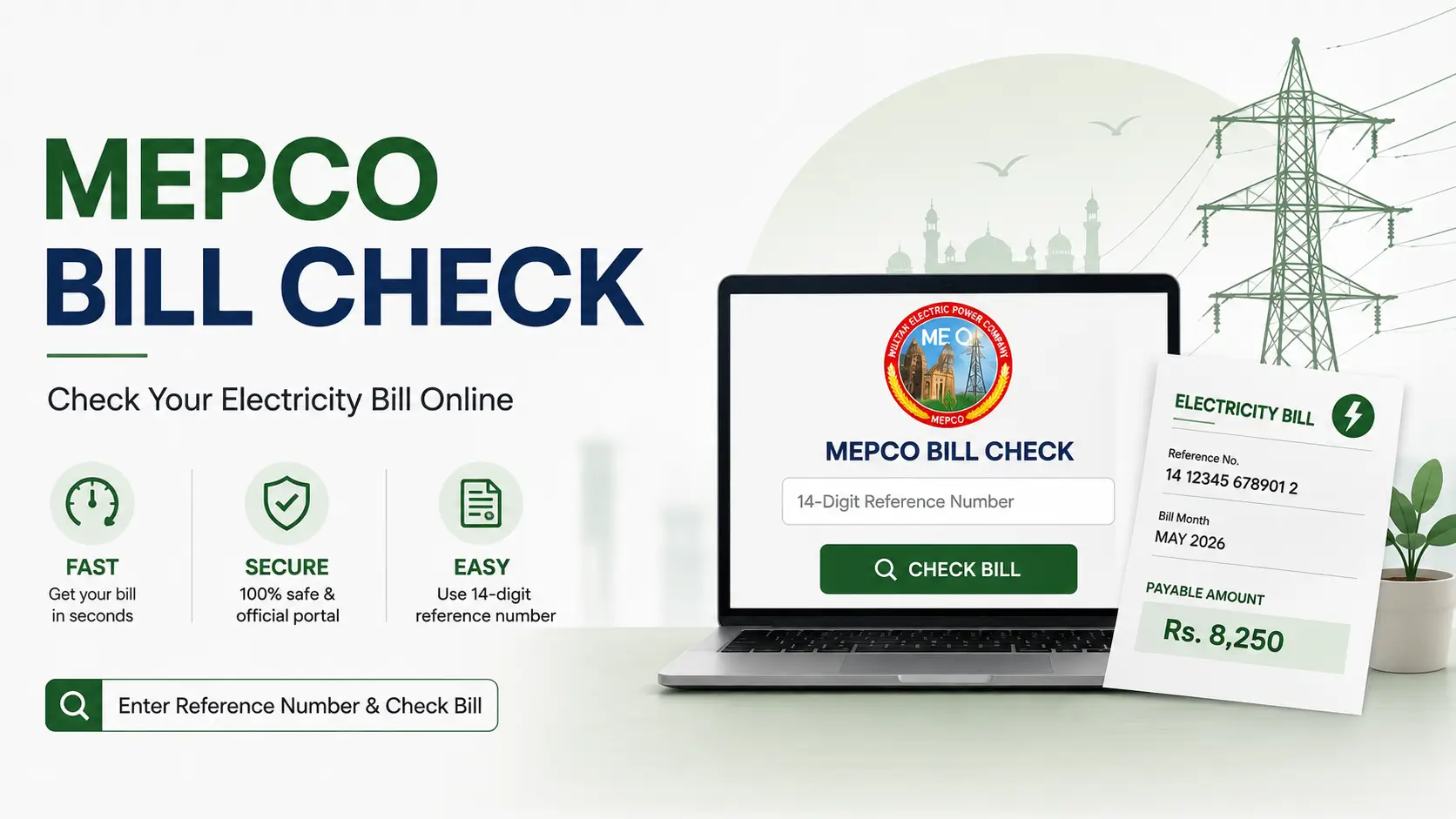
Use the tool at the top of this page to run your MEPCO bill check. It takes your reference number and sends you straight to the bill on the official MEPCO/PITC system. We do not create, store, or edit your bill. We simply point you to the right place faster than searching around on your own.
What You Need Before You Start
Just one thing: your 14-digit reference number. You will find it printed near the top of any previous MEPCO bill, usually just above the barcode. If you cannot locate an old bill, a family member’s bill from the same connection will show the same number.
How to Check Your MEPCO Online Bill
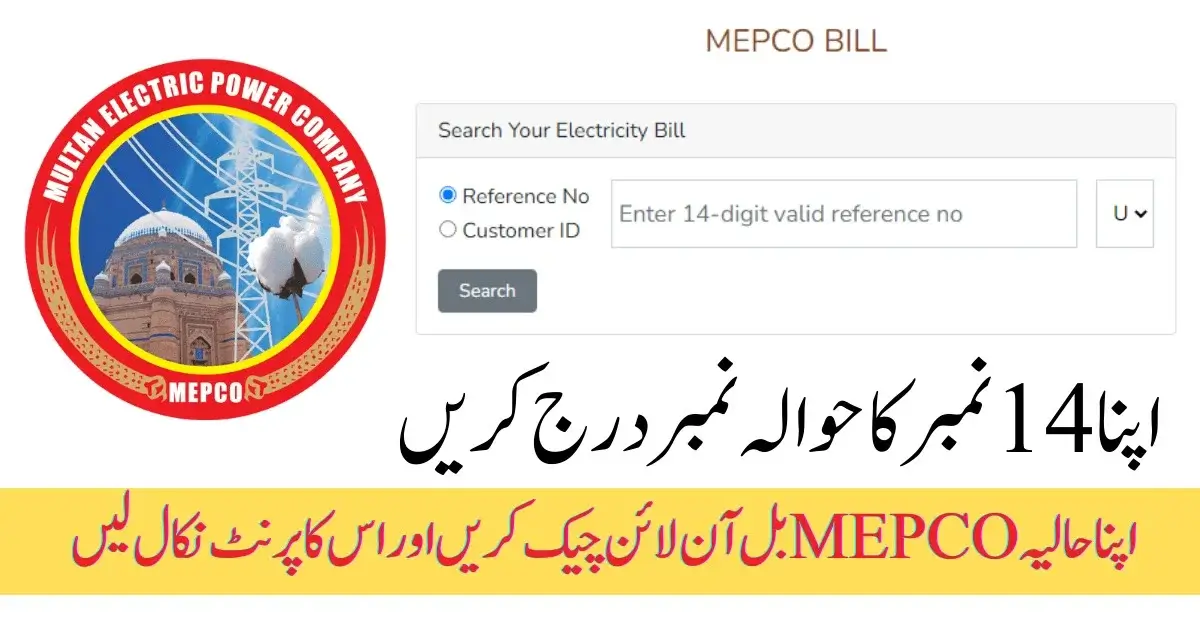
Follow these simple steps:
- Enter your 14-digit reference number in the MEPCO bill checker.
- Click Search Bill.
- Wait while the checker prepares the bill link.
- Click View Bill when it appears.
- The official MEPCO/PITC website will open in a new tab.
- Enter or confirm your reference number there if required.
- View your latest MEPCO bill online.
This method works on both desktop and mobile browsers.
Reference Number vs Customer ID: What Is the Difference?
People often mix these up, so here is the short version.
| Where to find it | What it is used for | |
|---|---|---|
| Reference number | Top of any MEPCO bill, 14 digits | Looking up your bill online |
| Customer ID | Also printed on your bill, shorter | Used on some MEPCO/PITC forms and services |
They are not interchangeable. If a form asks for your Customer ID and you type in your reference number instead, the search will not work. When in doubt, use the reference number for a standard online bill check, since that is what the checker on this page is built for.
Easy Steps to Check Your MEPCO Online Bill
Check MEPCO Bill Through Reference Number
The reference number is the easiest way to search for a MEPCO bill. It is a 14-digit number associated with your electricity connection.
Look at the top section of a previous MEPCO bill to find it. Enter all 14 digits carefully without spaces or extra characters.
For example:
19157530904201
If the number is entered incorrectly, the official bill portal may not find the corresponding record.
MEPCO Bill Check Using Customer ID
Some MEPCO/PITC bill services also provide a Customer ID option. Your Customer ID is different from your reference number, so do not interchange the two. If the official portal asks for a Customer ID, use the number printed on your previous MEPCO bill.
Can I Check My Bill Using My CNIC?
Not directly. The standard MEPCO online bill search runs on your reference number or Customer ID, not your CNIC. If you do not have either one handy, the fastest fix is to dig out any old paper bill from the same connection or call MEPCO customer service and ask them to confirm your reference number.
What Is the MEPCO 14-Digit Reference Number?
The MEPCO reference number is a unique identification number associated with your electricity connection. It is used by the online billing system to locate your bill record.
You should keep this number saved because you can use it whenever you need to:
- Check your MEPCO bill online
- View a duplicate bill
- Confirm your payable amount
- Check the due date
- Review meter readings
- Make an online payment
- Contact customer support about your connection
MEPCO Bill Information
After opening your online bill, you can review several important details.
Due Date
The due date tells you the last date for paying the current bill without applicable late-payment consequences. Always check the date printed on your current bill rather than relying on an old bill.
Payable Amount
The payable amount is the amount shown on your current bill for payment. Check whether the bill also displays arrears, previous balances, or other adjustments.
Meter Reading
Your bill includes the current and previous meter readings used to calculate electricity consumption. Comparing the reading on your bill with your actual meter can help you spot possible discrepancies.
MEPCO has also used meter-reading and related technology to improve billing accuracy.
Taxes and Charges
Your electricity bill can contain several charges in addition to the basic electricity cost. Depending on the bill, these may include government taxes, surcharges, adjustments, and other applicable charges.
MEPCO Bill Taxes and Surcharges
The exact charges on an electricity bill can vary according to the applicable tariff, consumption, billing period, and government or regulatory adjustments. Some terms you may see include:
FPA
Fuel Price Adjustment (FPA) is an adjustment related to changes in fuel costs used for electricity generation. Its amount can vary from one billing period to another.
TR Surcharge
A Tariff Rationalization Surcharge may appear as a separate adjustment on an electricity bill when applicable.
Deferred Amount
A deferred amount refers to an amount whose payment has been deferred under the applicable billing arrangement. Check the conditions printed on your bill before assuming that deferred charges have been cancelled.
Quarterly Tariff Adjustment
A Quarterly Tariff Adjustment (QTA) can affect electricity bills based on applicable tariff adjustments for the relevant period.
Tip: Do not compare only the current month’s units with the previous month. Review the complete bill, including taxes, adjustments, arrears, and the applicable tariff.
How to Download and Print Your MEPCO Bill
Once your bill is open on the official portal:
- Check that the reference number and billing month match what you expect.
- Use your browser’s Print option.
- Choose Save as PDF if you want a digital copy for your records.
- Print a physical copy if you need one for filing or payment.
Keeping a PDF saved somewhere on your phone or laptop makes it much faster to pull up your bill again later, especially if you are paying through an app that asks you to upload it.
MEPCO Bill Payment Options
Once you know what you owe, here is where you can pay it.
Online banking. Most Pakistani banks let you pay electricity bills through their mobile or internet banking app. Search for MEPCO under the electricity providers list, enter your reference number, and confirm the amount before you submit.
Easypaisa. If MEPCO bills show up under the bill payment section of your Easypaisa app, you can pay directly from there.
JazzCash. Same idea. Check the utility bills section for MEPCO before making the payment.
Bank branches. You can still pay in person at an authorized bank branch if you prefer. Hold on to the receipt until the payment shows as cleared.
Whichever method you use, double check the reference number and the payable amount on screen before you confirm anything. A one-digit typo sends your payment to the wrong account.
About MEPCO
Multan Electric Power Company (MEPCO) supplies electricity across a large stretch of southern Punjab, covering 13 districts through its distribution circles.
Areas MEPCO Covers
- Multan
- Muzaffargarh
- Layyah
- Dera Ghazi Khan
- Rajanpur
- Lodhran
- Bahawalpur
- Rahim Yar Khan
- Khanewal
- Sahiwal
- Pakpattan
- Vehari
- Bahawalnagar
MEPCO’s current operational structure includes nine distribution circles: Multan, Dera Ghazi Khan, Vehari, Bahawalpur, Sahiwal, Rahim Yar Khan, Muzaffargarh, Bahawalnagar, and Khanewal.
MEPCO Bill SMS Service
MEPCO also uses SMS-based communication for customer notifications. Its official documentation identifies 8118 as a two-way SMS short code used for customer-related notifications and communication. SMS services can be useful for receiving electricity-related notifications, but availability and the exact message format can depend on the service being used. For your actual bill amount, due date, and detailed billing information, the online bill portal remains the better option.
MEPCO Complaint and Helpline Numbers
If you have a problem with your electricity supply or bill, you can contact MEPCO through its customer complaint channels.
Common issues include:
- Incorrect meter reading
- Excessive or unexpected billing
- Power outage
- Low voltage
- Damaged electricity equipment
- Billing corrections
- Connection-related problems
- Delay in services
MEPCO’s official customer information lists 118 and 0800-63726 for complaints/customer service.
MEPCO Complaint Number
- MEPCO Complaint Helpline: 118
- Customer Service: 0800-63726
If a complaint concerns your bill, keep your reference number and the latest bill available when contacting customer support.
MEPCO Peak Electricity Hours
Electricity demand shifts through the day, and running several high-consumption appliances at once during busier hours adds pressure to the system. As a general habit, spacing out heavy appliances like irons, washing machines, and water heaters rather than running them together can help. Peak-hour timings themselves can change with the season, so it is worth checking MEPCO’s current notice rather than relying on a schedule from months ago.
MEPCO Bill Installment Option
If you are behind on a large bill and cannot clear it in one go, MEPCO does allow installment arrangements in certain cases, based on the outstanding amount and approval from the relevant office. This is not automatic. You will need to reach out to your local MEPCO customer service center directly and ask what you qualify for, since the rules depend on your specific situation.
Is Checking Your MEPCO Bill Online Free?
Yes. There is no fee to view your bill through the official portal or through this checker. If any website or person asks you to pay just to see a standard duplicate bill, treat that as a red flag.
Is It Safe to Enter My Reference Number Online?
Stick to the official MEPCO/PITC billing portal when you are checking or paying your bill. This checker sends you straight there and never asks for your bank details, password, or CNIC. If a site asks for that kind of information just to show you a bill, close it and use the official portal instead.
Tips to Reduce Your MEPCO Electricity Bill
You can reduce unnecessary electricity consumption with a few simple habits:
- Switch off lights and appliances when not needed.
- Use LED bulbs instead of inefficient lighting.
- Avoid leaving fans, TVs, and chargers running unnecessarily.
- Use air conditioners at a reasonable temperature.
- Clean AC filters regularly.
- Use energy-efficient appliances.
- Check your meter reading regularly.
- Compare your current units with previous bills.
- Investigate unusual increases in consumption.
A sudden increase in your bill does not always mean that the tariff increased. It can also result from higher unit consumption, previous adjustments, meter-reading differences, arrears, taxes, or other bill components
Final Thoughts
Checking your MEPCO bill online really comes down to one thing: having your 14-digit reference number ready. Once you do, the rest takes less than a minute. If something on your bill looks off, whether it is the amount, the meter reading, or a charge you do not recognize, MEPCO’s helpline and complaint channels are there to sort it out, so use them instead of guessing.