
FESCO Online Bill Check – Check FESCO Bill by 14-Digit Reference
Checking your FESCO bill online takes less than a minute if you have your 14-digit reference number ready. Just enter it in the tool above, and your bill opens through the PITC billing system, the same system used for utility bills across Pakistan. Once it opens, you can see your billing month, due date, units consumed, current charges, and total payable amount. If you have an old FESCO bill nearby, you already have everything you need to get started. No account or registration is required.
How to Check FESCO Bill Online
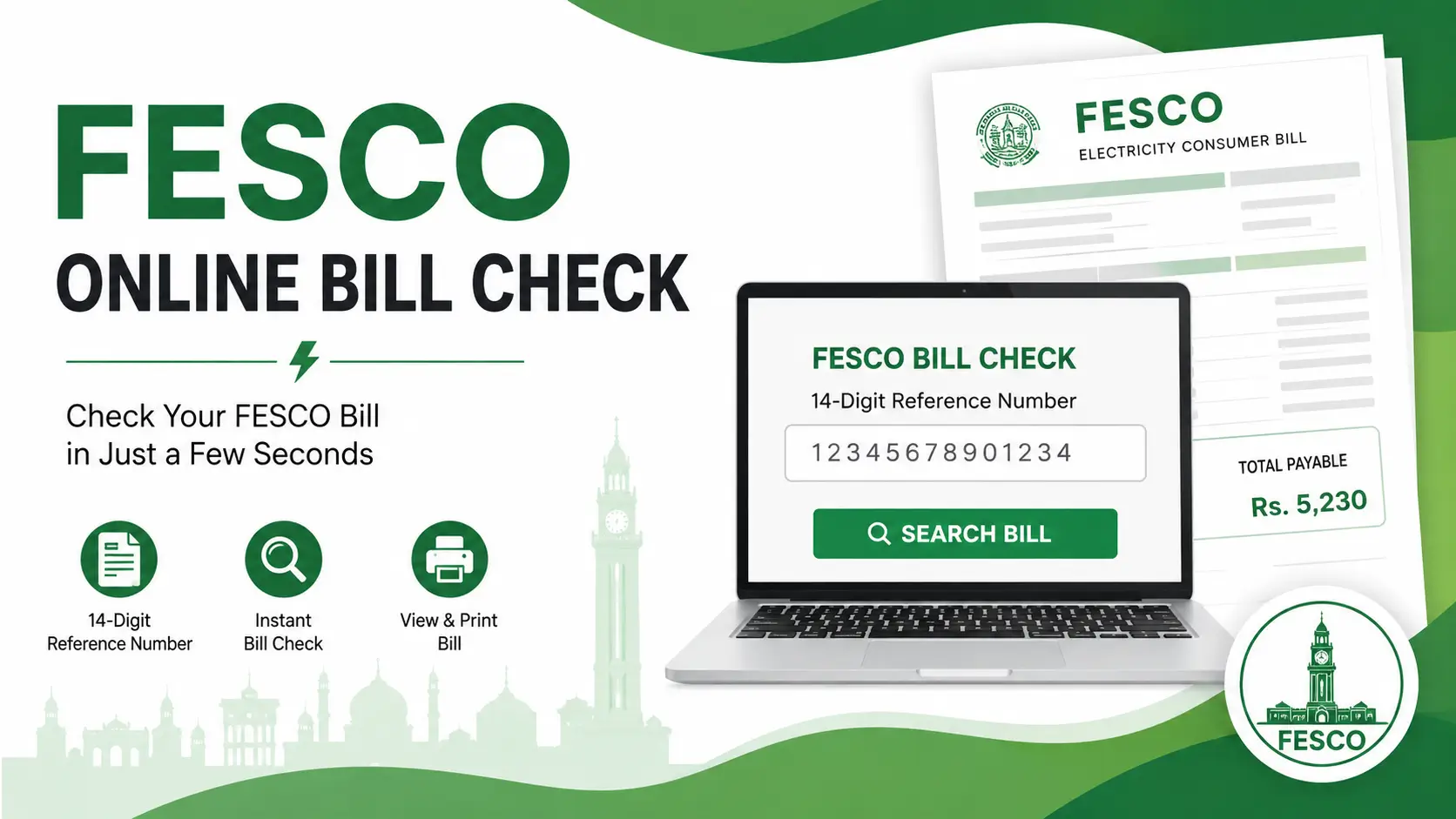
- Find your 14-digit reference number. It is printed on your most recent FESCO bill, usually near the top or in the payment slip section.
- Enter it in the box above. Type the number carefully, without spaces or dashes.
- Click Search Bill. The tool will look up your bill using the reference number you entered.
- Let the bill load through the PITC billing system. This is the shared platform that FESCO and other DISCOs use to display consumer bills online.
- Review the bill. Check the amount, due date, and billing month before you print or save it.
If the reference number is correct, the bill usually loads within a few seconds. If nothing shows up, double check the number first before assuming there is a technical problem.
FESCO Bill Check With 14-Digit Reference Number
The 14-digit reference number is the main identifier used to pull up your bill online. It is unique to your electricity connection and stays mostly the same from month to month, though it can occasionally change if your account details are updated by FESCO.
You will find this number printed on any recent paper bill. It is usually shown clearly in a labeled box, separate from your meter number and Customer ID.
For example, a reference number looks something like 12345678901234. This is only a sample format to show you what to expect. Your actual number will be different and should be copied exactly as printed on your bill.
If even one digit is wrong, the system will not be able to find your bill, or it may show an error instead of loading anything. It helps to read the number slowly and match it digit by digit rather than typing from memory.
Also keep in mind that the reference number is not the same as your meter number or Customer ID. These are separate identifiers, and mixing them up is one of the most common reasons a bill fails to load.
Where Can I Find My FESCO Reference Number?
Pick up your last paper FESCO bill and look near the top section or the detachable payment slip. Most bills print the reference number inside a clearly marked box so it is easy to spot.
Near this number, you may also see a few other codes on the same bill:
- Reference number – used to check and view your bill online
- Customer ID – a separate identifier linked to your consumer account
- Meter number – identifies the physical meter installed at your property
These three numbers are printed close together, which is why people sometimes enter the wrong one by mistake. If your first attempt does not work, check whether you accidentally typed the meter number or Customer ID instead of the reference number.
If you cannot locate a recent bill at all, an older saved bill from a previous month will usually still show the same reference number, since it does not change often.
FESCO Bill Check by Customer ID
Customer ID is another identifier tied to your FESCO consumer account. It is different from the reference number, and some FESCO consumers may see it printed above or near the reference number box on their bill.
Where the reference number is mainly used for pulling up a specific bill through the billing system, the Customer ID is more closely linked to your consumer record as a whole. You may need it if you are contacting FESCO directly about your account, applying for a service request, or if the reference number search does not work for some reason.
| Reference Number | Customer ID |
|---|---|
| Used to search and view your bill online | Linked to your overall consumer account |
| Found in a labeled box on your bill | Usually found near the reference number section |
| Main number needed for this bill checker | Useful when contacting FESCO or verifying account details |
If you are not sure which number you are looking at, compare it with the labels printed on your bill rather than guessing based on the number of digits.
FESCO Duplicate Bill Online
A duplicate bill is simply another copy of your electricity bill, viewed or printed after the original paper copy is unavailable. This is useful in situations like:
- Your paper bill did not arrive this month
- You lost the physical copy
- The printed bill got damaged or is hard to read
- You need a second copy for record-keeping
- You want to keep a digital file instead of a paper one
You can view this duplicate copy through the same billing system used for the original bill, using your reference number. This tool helps you access that copy, but it does not independently create or issue an official FESCO bill. The bill you see is the same one generated by FESCO’s billing system, simply pulled up for you to view and print.
If your bill still does not appear after several attempts, it is worth checking with FESCO directly, since some newly issued bills take a little time to become available online.
How to Print or Download FESCO Bill
Once your bill loads on the screen, you can save or print it directly from your browser.
On a computer
Open the print option in your browser (usually under the menu or by pressing the print shortcut). Choose your printer to get a paper copy, or select Save as PDF to store a digital file on your computer.
On mobile
Use your browser’s menu and look for Print, Share, or Save as PDF, depending on which browser you are using. Most phone browsers let you save the bill as a PDF file directly to your device, which you can then share or print later from a computer.
Either way, it helps to check that the full bill, including the amount and due date, is visible before you save or print it.
What Information Is Shown on a FESCO Bill?
A FESCO bill contains several fields, and knowing what each one means makes it much easier to understand what you are actually paying for.
| Bill Detail | What It Means |
|---|---|
| Reference number | The 14-digit number used to look up your bill online |
| Customer ID | Identifier linked to your consumer account |
| Consumer name | The name registered against the electricity connection |
| Meter number | Identifies the physical meter at your property |
| Bill month | The billing period this bill covers |
| Issue date | The date the bill was generated |
| Due date | The last date to pay without extra charges |
| Previous reading | Meter reading recorded in the last billing cycle |
| Present reading | Meter reading recorded for this billing cycle |
| Units consumed | Difference between present and previous readings |
| Tariff | The rate category applied to your connection |
| Current charges | The cost calculated for this month’s consumption |
| Arrears | Any unpaid amount carried over from previous bills |
| Taxes | Government taxes applied to the bill, such as GST and electricity duty |
| Adjustments | Charges like fuel price adjustment or quarterly tariff adjustment, when applicable |
| Total payable | The full amount due, including charges, arrears, and taxes |
Not every bill will show every adjustment every month. Some charges only apply in certain billing cycles depending on FESCO’s current tariff notifications.
How to Read Your FESCO Electricity Bill
When your bill opens, focus on these details in order:
- Billing month – confirms which period the bill covers.
- Due date – tells you the last date to pay without extra cost.
- Previous and present meter reading – shows how your consumption was measured.
- Units consumed – the actual electricity used this month.
- Current charges – the cost of this month’s units at your applicable tariff.
- Arrears – any amount still pending from earlier bills.
- Taxes and adjustments – additional government or regulatory charges added to the bill.
- Total amount payable – the final figure you need to pay.
A simple habit that helps a lot of consumers is comparing this month’s bill with last month’s. If the units consumed or total charges look very different, checking the meter readings side by side usually explains why.
Why Is My FESCO Bill Higher This Month?
A higher bill usually comes down to one or more of these factors:
- Higher electricity consumption – more units used than the previous month, often due to appliance use, weather, or a longer billing cycle.
- Higher tariff slab – consuming more units can move part of your bill into a higher rate slab.
- Previous unpaid amount – arrears from an earlier bill added to the current one.
- Late payment surcharge – an extra charge if a previous bill was paid after its due date.
- Fuel price adjustment – a charge that can vary month to month based on fuel cost changes.
- Quarterly tariff adjustment – a periodic adjustment applied to consumer bills.
- Taxes or other applicable charges – government taxes or duties that can change over time.
Not all of these apply to every bill or every consumer. The best way to understand your own bill is to compare it directly with last month’s copy: check the units consumed, the meter readings, the current charges, any arrears, and any adjustment lines. This side-by-side comparison usually shows exactly where the difference is coming from.
FESCO Bill Due Date and Late Payment
The due date is the last date printed on your bill for paying without any additional charge. It is shown clearly on the bill itself, usually near the total payable amount.
Paying after this date can increase the amount you owe, since a late payment surcharge may be added to your next bill. The exact due date changes with every billing cycle, so it is best to check the date printed on your current bill rather than assuming it is the same as last month.
If you are ever unsure whether a payment made close to the due date was processed on time, it is worth confirming with your bank or payment channel directly.
FESCO Bill Payment Methods
Payment options for FESCO bills can vary and may change over time, so it is best to check your current bill or FESCO’s official channels for the most accurate list. In general, consumers in Pakistan commonly pay electricity bills through:
- Bank branches
- Online banking apps
- Mobile banking apps
- ATMs, where supported
- Authorized payment points such as certain retail or franchise counters
Before making any payment, double check the total amount and reference number shown on your bill so the payment is applied to the correct account.
FESCO Bill Faisalabad and Service Areas
FESCO stands for Faisalabad Electric Supply Company, a public sector electricity distribution company. As the name suggests, Faisalabad is one of its main service areas, alongside other districts in the region that fall under FESCO’s coverage.
Because Faisalabad is a large city with a high number of residential and commercial electricity connections, a large share of consumers using this bill checker are based there. Consumers in other FESCO service areas rely on the same reference number system, so the process of checking a bill online works the same way regardless of which specific area or district you are in.
If you are unsure whether your connection falls under FESCO or a different distribution company, the company name is usually printed directly on your paper bill.
FESCO Bill Not Showing? Try These Steps
If your bill does not appear after entering your reference number, work through these checks one by one:
- Recheck all 14 digits. A single wrong digit will stop the bill from loading.
- Remove spaces or dashes. Type the number as one continuous string of digits.
- Confirm it is a FESCO reference number. A reference number from a different DISCO will not pull up a FESCO bill.
- Make sure you did not enter the meter number by mistake. These are printed close together and easy to confuse.
- Try the Customer ID option, if the tool supports it, in case the reference number search is not working for your account.
- Check again after some time if your bill was issued very recently. Newly generated bills can take a little while to appear in the billing system.
- Consider that the billing system itself may be temporarily slow or unavailable. This happens occasionally and usually resolves on its own.
If none of these steps work after a reasonable number of tries, it is worth confirming your reference number directly against a physical copy of your bill or contacting FESCO for help.
Can I Check a Previous Month’s FESCO Bill?
Online availability of older bills can vary and is not guaranteed to go back indefinitely. In most cases, you can view your current bill through the billing system, and if you saved a PDF or printout from a previous month, that copy remains valid and accurate.
Because the system may not always hold every past billing record, it is a good habit to save or print your bill each month after checking it. This gives you a personal record you can refer back to later, rather than depending only on what is available online at any given time.
Frequently Asked Questions
Can I check my FESCO bill using Customer ID?
Customer ID is a separate identifier from the reference number. If this tool supports Customer ID search, you can use it as an alternative when the reference number is not available.
How can I get a FESCO duplicate bill?
Enter your reference number in the checker to view your bill online. This gives you access to a copy of your bill that you can print or save, without needing the original paper copy.
Can I print my FESCO online bill?
Yes. Once the bill loads, use your browser’s print option on a computer, or the print or save option in your mobile browser menu.
Why is my FESCO bill not showing online?
This usually happens because of an incorrect reference number, a mixed-up meter number or Customer ID, or a newly issued bill that has not yet appeared in the system. Recheck the digits before trying again.
Why is my FESCO bill higher this month?
Higher consumption, a higher tariff slab, unpaid arrears, a late payment surcharge, or periodic adjustments like fuel price or quarterly tariff changes can all affect your total. Compare this month’s bill with last month’s to see where the difference comes from.
Can I check a previous month’s FESCO bill?
Availability of older bills online can vary. Your current bill is reliably accessible, but for older records, a saved PDF or printed copy from that month is the most dependable option.